SVG
Vector drawing in JSX: shapes, paths, gradients, markers and SVG text.
Import them from @inkoxide/render. Examples, and how these components work together, are in the guide.
Presentation attributes
SVG presentation attributes, camelCase (strokeWidth), as in React DOM. Every shape, G, Svg and SVG Text takes them, besides its own props below.
| Attribute | Type | Description |
|---|---|---|
fill | SvgPaint | |
fillOpacity | number | string | |
fillRule | 'nonzero' | 'evenodd' | |
stroke | SvgPaint | |
strokeWidth | number | string | |
strokeOpacity | number | string | |
strokeLinecap | 'butt' | 'round' | 'square' | |
strokeLinejoin | 'miter' | 'round' | 'bevel' | |
strokeDasharray | string | number[] | |
strokeDashoffset | number | string | |
strokeMiterlimit | number | string | |
opacity | number | string | |
transform | string | |
clipPath | string | |
clipRule | 'nonzero' | 'evenodd' | |
markerStart | string | A <Marker> drawn at the first vertex of a path, line or poly shape: url(#id). |
markerMid | string | A <Marker> drawn at every vertex between the first and the last: url(#id). |
markerEnd | string | A <Marker> drawn at the last vertex: url(#id). |
visibility | 'visible' | 'hidden' | 'collapse' | |
fontFamily | string | Text inside: the font, as in CSS. A family list ("Inter, sans-serif") is a stack. |
fontSize | number | string | |
fontWeight | number | FontWeightName | |
fontStyle | 'normal' | 'italic' | |
textAnchor | 'start' | 'middle' | 'end' | Text inside: where its position is on the text (start, middle, end). |
dominantBaseline | | 'auto' | 'alphabetic' | 'middle' | 'central' | 'hanging' | 'mathematical' | 'ideographic' | 'text-before-edge' | 'text-after-edge' | Text inside: which line of the text sits at its y. |
id | string |
Svg
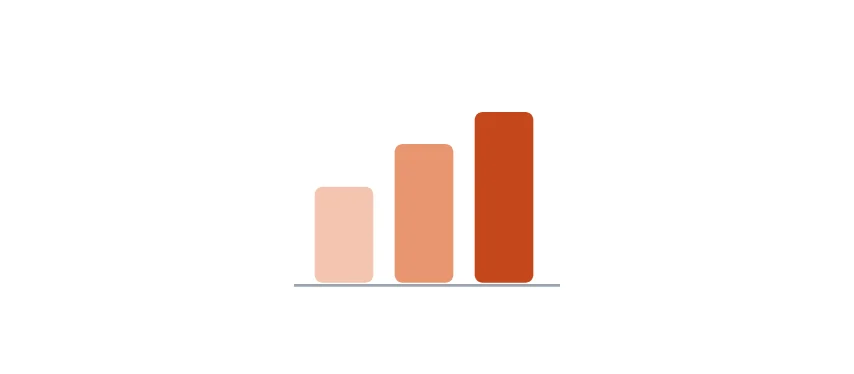
A vector drawing; becomes an SVG image. Use the SVG primitives (Path, Rect, …) inside.
import { Document, Page, Path, Rect, Svg, View } from '@inkoxide/render';

export default function Example() {
  return (
    <Document>
      <Page size={[320, 140]}>
        <View className="flex-1 items-center justify-center">
          <Svg width={100} height={80} viewBox="0 0 100 80">
            <Rect x={8} y={40} width={22} height={36} rx={3} fill="#f3c5b0" />
            <Rect x={38} y={24} width={22} height={52} rx={3} fill="#e8956f" />
            <Rect x={68} y={12} width={22} height={64} rx={3} fill="#c4471b" />
            <Path d="M0 77 L120 77" stroke="#9ca3af" strokeWidth={1} />
          </Svg>
        </View>
      </Page>
    </Document>
  );
}
| Prop | Type | Description |
|---|---|---|
width (required) | Length | Width and height of the drawing in the layout (points or units); also the SVG viewport. |
height (required) | Length | |
viewBox | string | |
preserveAspectRatio | string | |
className | string | Box utilities for the image the drawing becomes (margins, position, pages…). |
style | Style | |
pages | PageFilter | |
break | BreakProp | |
href | string | |
fixed | boolean | Repeats the drawing on every page, like fixed on a View. |
debug | boolean | Outlines the drawing's box. |
It also takes the presentation attributes.
G
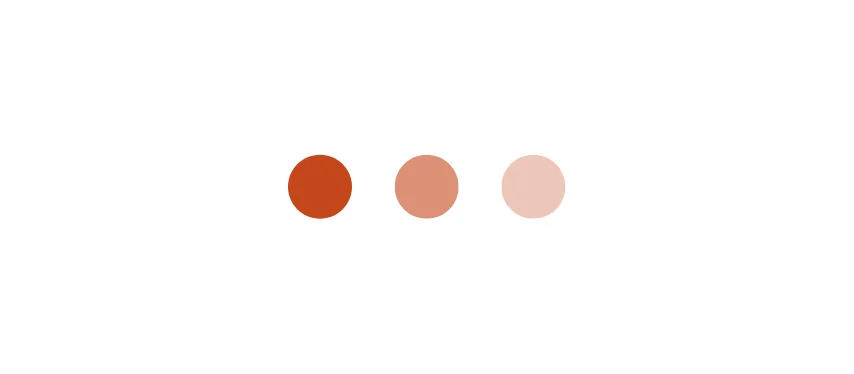
A group: its presentation attributes and transform apply to every shape inside it.
import { Circle, Document, G, Page, Svg, View } from '@inkoxide/render';

export default function Example() {
  return (
    <Document>
      <Page size={[320, 140]}>
        <View className="flex-1 items-center justify-center">
          <Svg width={120} height={80} viewBox="0 0 120 80">
            <G fill="#c4471b" transform="translate(20 40)">
              <Circle cx={0} cy={0} r={12} />
              <Circle cx={40} cy={0} r={12} opacity={0.6} />
              <Circle cx={80} cy={0} r={12} opacity={0.3} />
            </G>
          </Svg>
        </View>
      </Page>
    </Document>
  );
}
It takes the presentation attributes.
Path
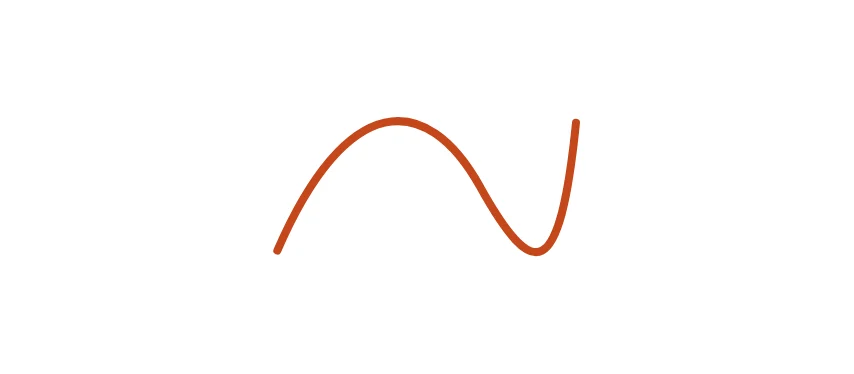
A shape drawn by the commands of d (M, L, C, Q, A, Z and the others of SVG).
import { Document, Page, Path, Svg, View } from '@inkoxide/render';

export default function Example() {
  return (
    <Document>
      <Page size={[320, 140]}>
        <View className="flex-1 items-center justify-center">
          <Svg width={120} height={80} viewBox="0 0 120 80">
            <Path d="M4 64 C 30 4, 60 4, 80 40 S 110 76, 116 16" fill="none" stroke="#c4471b" strokeWidth={3} strokeLinecap="round" />
          </Svg>
        </View>
      </Page>
    </Document>
  );
}
| Prop | Type | Description |
|---|---|---|
d (required) | string |
It also takes the presentation attributes.
Rect
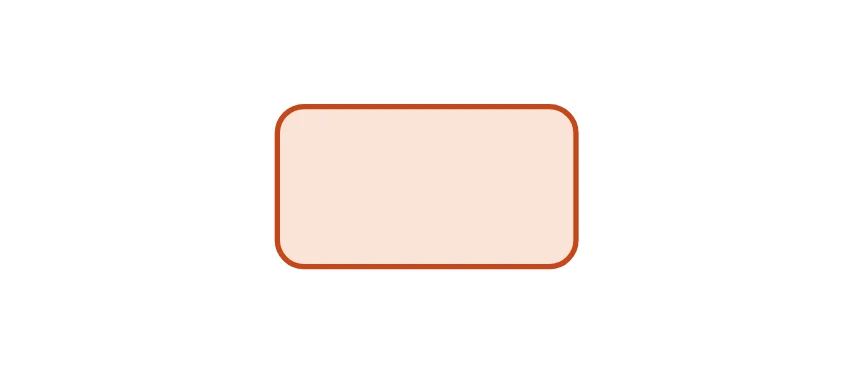
A rectangle, with rounded corners when rx or ry is set.
import { Document, Page, Rect, Svg, View } from '@inkoxide/render';

export default function Example() {
  return (
    <Document>
      <Page size={[320, 140]}>
        <View className="flex-1 items-center justify-center">
          <Svg width={120} height={80} viewBox="0 0 120 80">
            <Rect x={4} y={10} width={112} height={60} rx={10} fill="#fbe3d6" stroke="#c4471b" strokeWidth={2} />
          </Svg>
        </View>
      </Page>
    </Document>
  );
}
| Prop | Type | Description |
|---|---|---|
x | number | string | |
y | number | string | |
width (required) | number | string | |
height (required) | number | string | |
rx | number | string | |
ry | number | string |
It also takes the presentation attributes.
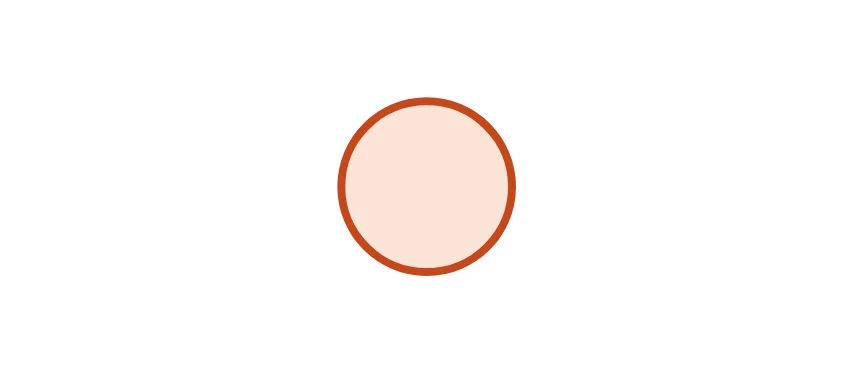
Circle
A circle of radius r around cx, cy.
import { Circle, Document, Page, Svg, View } from '@inkoxide/render';

export default function Example() {
  return (
    <Document>
      <Page size={[320, 140]}>
        <View className="flex-1 items-center justify-center">
          <Svg width={120} height={80} viewBox="0 0 120 80">
            <Circle cx={60} cy={40} r={32} fill="#fbe3d6" stroke="#c4471b" strokeWidth={3} />
          </Svg>
        </View>
      </Page>
    </Document>
  );
}
| Prop | Type | Description |
|---|---|---|
cx | number | string | |
cy | number | string | |
r (required) | number | string |
It also takes the presentation attributes.
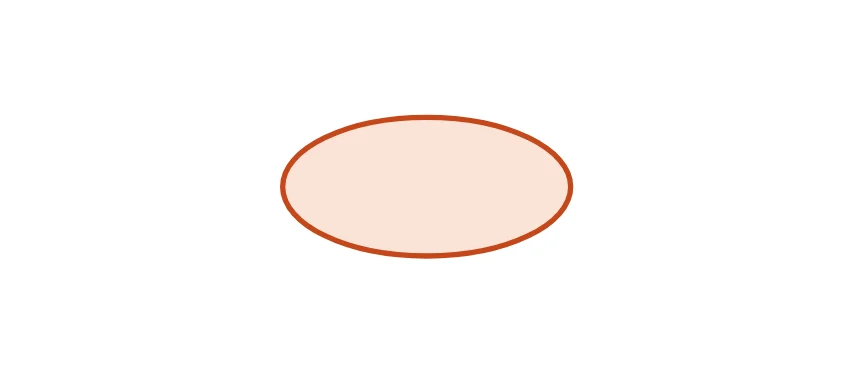
Ellipse
An ellipse of radii rx and ry around cx, cy.
import { Document, Ellipse, Page, Svg, View } from '@inkoxide/render';

export default function Example() {
  return (
    <Document>
      <Page size={[320, 140]}>
        <View className="flex-1 items-center justify-center">
          <Svg width={120} height={80} viewBox="0 0 120 80">
            <Ellipse cx={60} cy={40} rx={54} ry={26} fill="#fbe3d6" stroke="#c4471b" strokeWidth={2} />
          </Svg>
        </View>
      </Page>
    </Document>
  );
}
| Prop | Type | Description |
|---|---|---|
cx | number | string | |
cy | number | string | |
rx (required) | number | string | |
ry (required) | number | string |
It also takes the presentation attributes.
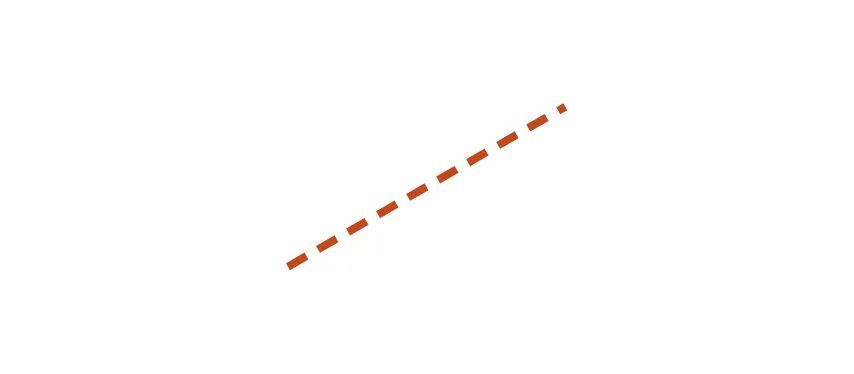
Line
A straight line from x1, y1 to x2, y2.
import { Document, Line, Page, Svg, View } from '@inkoxide/render';

export default function Example() {
  return (
    <Document>
      <Page size={[320, 140]}>
        <View className="flex-1 items-center justify-center">
          <Svg width={120} height={80} viewBox="0 0 120 80">
            <Line x1={8} y1={70} x2={112} y2={10} stroke="#c4471b" strokeWidth={3} strokeDasharray="8 5" />
          </Svg>
        </View>
      </Page>
    </Document>
  );
}
| Prop | Type | Description |
|---|---|---|
x1 (required) | number | string | |
y1 (required) | number | string | |
x2 (required) | number | string | |
y2 (required) | number | string |
It also takes the presentation attributes.
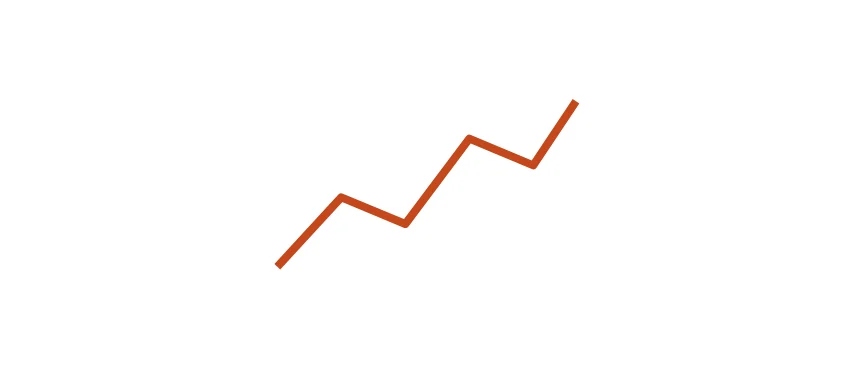
Polyline
Straight lines through points, left open.
import { Document, Page, Polyline, Svg, View } from '@inkoxide/render';

export default function Example() {
  return (
    <Document>
      <Page size={[320, 140]}>
        <View className="flex-1 items-center justify-center">
          <Svg width={120} height={80} viewBox="0 0 120 80">
            <Polyline points="4,70 28,44 52,54 76,22 100,32 116,8" fill="none" stroke="#c4471b" strokeWidth={3} strokeLinejoin="round" />
          </Svg>
        </View>
      </Page>
    </Document>
  );
}
| Prop | Type | Description |
|---|---|---|
points (required) | string | number[] |
It also takes the presentation attributes.
Polygon
Straight lines through points, closed back to the first.
import { Document, Page, Polygon, Svg, View } from '@inkoxide/render';

export default function Example() {
  return (
    <Document>
      <Page size={[320, 140]}>
        <View className="flex-1 items-center justify-center">
          <Svg width={120} height={80} viewBox="0 0 120 80">
            <Polygon points="60,4 74,30 104,32 80,50 88,78 60,62 32,78 40,50 16,32 46,30" fill="#e8956f" stroke="#c4471b" strokeWidth={2} />
          </Svg>
        </View>
      </Page>
    </Document>
  );
}
| Prop | Type | Description |
|---|---|---|
points (required) | string | number[] |
It also takes the presentation attributes.
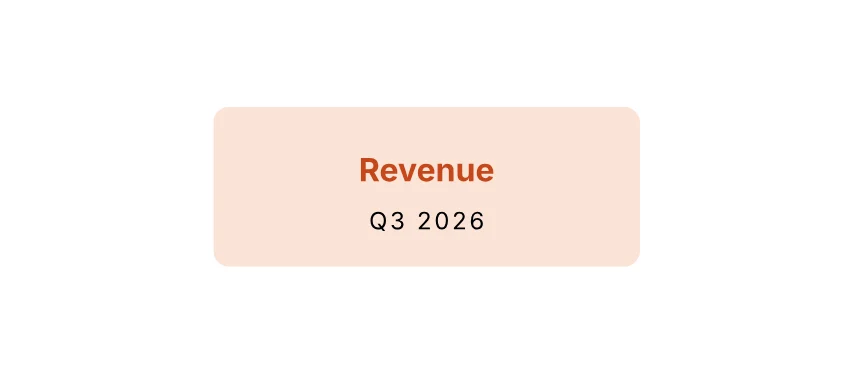
Text in an Svg
A Text inside an <Svg>: SVG text, positioned in the drawing's coordinates.
import { Document, Page, Rect, Svg, Text, View } from '@inkoxide/render';

export default function Example() {
  return (
    <Document>
      <Page size={[320, 140]}>
        <View className="flex-1 items-center justify-center">
          <Svg width={160} height={60} viewBox="0 0 160 60">
            <Rect width={160} height={60} rx={6} fill="#fbe3d6" />
            <Text x={80} y={28} textAnchor="middle" fontWeight="bold" fill="#c4471b">
              Revenue
            </Text>
            <Text x={80} y={46} textAnchor="middle" fontSize={9} letterSpacing={1}>
              Q3 2026
            </Text>
          </Svg>
        </View>
      </Page>
    </Document>
  );
}
| Prop | Type | Description |
|---|---|---|
x | SvgNumberList | Where the text starts (with textAnchor); a list positions each character. |
y | SvgNumberList | |
dx | SvgNumberList | Shifts from where each character would be. |
dy | SvgNumberList | |
rotate | SvgNumberList | Degrees each character is turned; the last value repeats. |
letterSpacing | number | string | |
wordSpacing | number | string | |
textDecoration | string | underline, overline, line-through, or several. |
textLength | number | string | The width to fit the text to, by its spacing or (lengthAdjust) its glyphs too. |
lengthAdjust | 'spacing' | 'spacingAndGlyphs' | |
direction | 'ltr' | 'rtl' |
It also takes the presentation attributes.
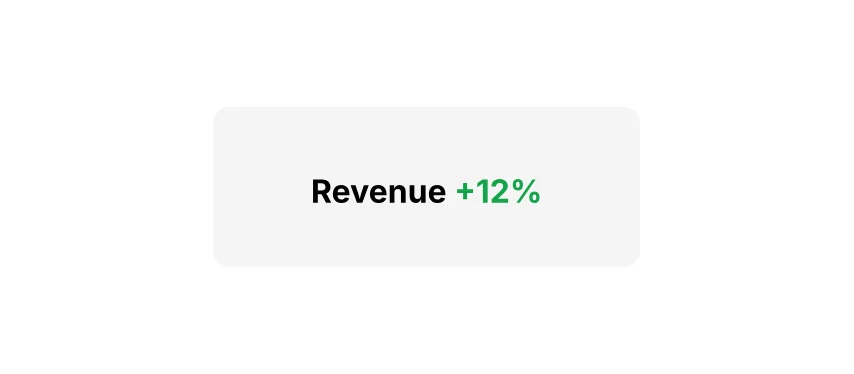
Tspan
A span of SVG text, inside a Text in an <Svg>: its own position, font or paint.
import { Document, Page, Rect, Svg, Text, Tspan, View } from '@inkoxide/render';

export default function Example() {
  return (
    <Document>
      <Page size={[320, 140]}>
        <View className="flex-1 items-center justify-center">
          <Svg width={160} height={60} viewBox="0 0 160 60">
            <Rect width={160} height={60} rx={6} fill="#f5f5f4" />
            <Text x={80} y={36} textAnchor="middle" fontWeight="bold">
              Revenue <Tspan fill="#16a34a">+12%</Tspan>
            </Text>
          </Svg>
        </View>
      </Page>
    </Document>
  );
}
| Prop | Type | Description |
|---|---|---|
baselineShift | number | string | Raises (positive, super) or lowers (sub) the span from the baseline. |
alignmentBaseline | SvgPresentation['dominantBaseline'] | |
x | SvgNumberList | Where the text starts (with textAnchor); a list positions each character. |
y | SvgNumberList | |
dx | SvgNumberList | Shifts from where each character would be. |
dy | SvgNumberList | |
rotate | SvgNumberList | Degrees each character is turned; the last value repeats. |
letterSpacing | number | string | |
wordSpacing | number | string | |
textDecoration | string | underline, overline, line-through, or several. |
textLength | number | string | The width to fit the text to, by its spacing or (lengthAdjust) its glyphs too. |
lengthAdjust | 'spacing' | 'spacingAndGlyphs' | |
direction | 'ltr' | 'rtl' |
It also takes the presentation attributes.
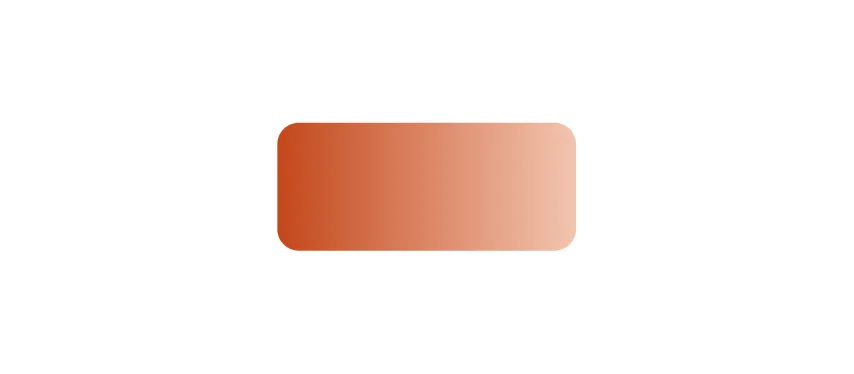
Defs
What other elements refer to by id (gradients, clip paths, markers), not drawn where it stands.
import { Defs, Document, LinearGradient, Page, Rect, Stop, Svg, View } from '@inkoxide/render';

export default function Example() {
  return (
    <Document>
      <Page size={[320, 140]}>
        <View className="flex-1 items-center justify-center">
          <Svg width={120} height={80} viewBox="0 0 120 80">
            <Defs>
              <LinearGradient id="fade" x1={0} y1={0} x2={1} y2={0}>
                <Stop offset={0} stopColor="#c4471b" />
                <Stop offset={1} stopColor="#f3c5b0" />
              </LinearGradient>
            </Defs>
            <Rect x={4} y={16} width={112} height={48} rx={8} fill="url(#fade)" />
          </Svg>
        </View>
      </Page>
    </Document>
  );
}
It takes no props.
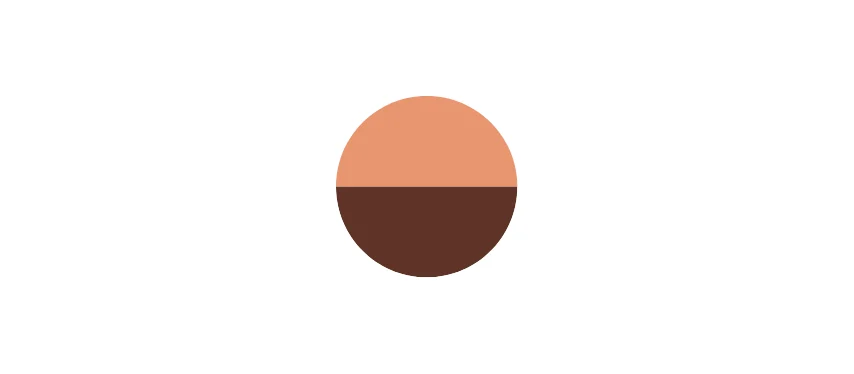
ClipPath
A shape that clips what refers to it with clipPath="url(#id)".
import { Circle, ClipPath, Defs, Document, G, Page, Rect, Svg, View } from '@inkoxide/render';

export default function Example() {
  return (
    <Document>
      <Page size={[320, 140]}>
        <View className="flex-1 items-center justify-center">
          <Svg width={120} height={80} viewBox="0 0 120 80">
            <Defs>
              <ClipPath id="disc">
                <Circle cx={60} cy={40} r={34} />
              </ClipPath>
            </Defs>
            <G clipPath="url(#disc)">
              <Rect x={0} y={0} width={120} height={40} fill="#e8956f" />
              <Rect x={0} y={40} width={120} height={40} fill="#5e3428" />
            </G>
          </Svg>
        </View>
      </Page>
    </Document>
  );
}
| Prop | Type | Description |
|---|---|---|
id (required) | string | Referenced as clipPath="url(#id)". |
clipPathUnits | 'userSpaceOnUse' | 'objectBoundingBox' | What the contents' coordinates are in: the user space (default) or the clipped shape's bounding box. |
Marker
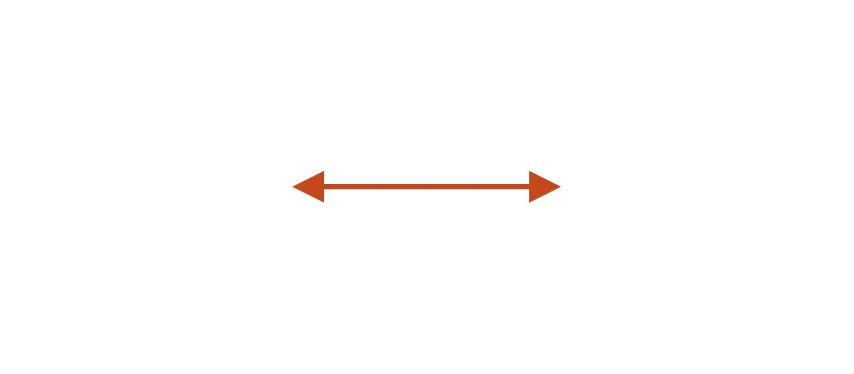
A shape drawn at the vertices of the paths, lines and poly shapes that reference it through markerStart, markerMid or markerEnd. Defined once, in Defs.
import { Defs, Document, Line, Marker, Page, Path, Svg, View } from '@inkoxide/render';

export default function Example() {
  return (
    <Document>
      <Page size={[320, 140]}>
        <View className="flex-1 items-center justify-center">
          <Svg width={120} height={80} viewBox="0 0 120 80">
            <Defs>
              <Marker id="arrow" viewBox="0 0 10 10" refX={8} refY={5} markerWidth={6} markerHeight={6} orient="auto-start-reverse">
                <Path d="M0 0 L10 5 L0 10 z" fill="#c4471b" />
              </Marker>
            </Defs>
            <Line x1={12} y1={40} x2={108} y2={40} stroke="#c4471b" strokeWidth={2} markerStart="url(#arrow)" markerEnd="url(#arrow)" />
          </Svg>
        </View>
      </Page>
    </Document>
  );
}
| Prop | Type | Description |
|---|---|---|
id (required) | string | Referenced as markerStart="url(#id)" (or markerMid, markerEnd). |
viewBox | string | |
preserveAspectRatio | string | |
refX | number | string | The point of the marker's contents placed on the vertex, in viewBox units. |
refY | number | string | |
markerWidth | number | string | The size of the marker's viewport; 3 × 3 by default. |
markerHeight | number | string | |
orient | 'auto' | 'auto-start-reverse' | number | string | Turns the marker with the path's direction at the vertex ('auto'), the same but reversed at the start ('auto-start-reverse', for arrows at both ends), or by a fixed angle in degrees. |
markerUnits | 'strokeWidth' | 'userSpaceOnUse' | strokeWidth (default) scales the marker by the shape's stroke width; userSpaceOnUse does not. |
It also takes the presentation attributes.
LinearGradient
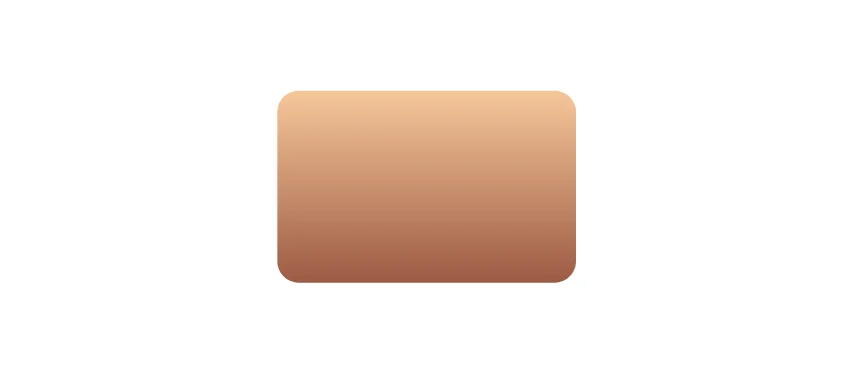
A gradient along a line, used as a paint: fill="url(#id)".
import { Defs, Document, LinearGradient, Page, Rect, Stop, Svg, View } from '@inkoxide/render';

export default function Example() {
  return (
    <Document>
      <Page size={[320, 140]}>
        <View className="flex-1 items-center justify-center">
          <Svg width={120} height={80} viewBox="0 0 120 80">
            <Defs>
              <LinearGradient id="sky" x1={0} y1={0} x2={0} y2={1}>
                <Stop offset={0} stopColor="#f6c79a" />
                <Stop offset={1} stopColor="#9c5a43" />
              </LinearGradient>
            </Defs>
            <Rect x={4} y={4} width={112} height={72} rx={8} fill="url(#sky)" />
          </Svg>
        </View>
      </Page>
    </Document>
  );
}
| Prop | Type | Description |
|---|---|---|
id (required) | string | |
x1 | number | string | |
y1 | number | string | |
x2 | number | string | |
y2 | number | string | |
cx | number | string | |
cy | number | string | |
r | number | string | |
fx | number | string | |
fy | number | string | |
fr | number | string | Radius of the focal circle of a radial gradient. |
gradientUnits | 'userSpaceOnUse' | 'objectBoundingBox' | |
gradientTransform | string |
RadialGradient
A gradient out from a centre, used as a paint: fill="url(#id)".
import { Circle, Defs, Document, Page, RadialGradient, Stop, Svg, View } from '@inkoxide/render';

export default function Example() {
  return (
    <Document>
      <Page size={[320, 140]}>
        <View className="flex-1 items-center justify-center">
          <Svg width={120} height={80} viewBox="0 0 120 80">
            <Defs>
              <RadialGradient id="sun" cx={0.4} cy={0.4} r={0.6}>
                <Stop offset={0} stopColor="#fff4e2" />
                <Stop offset={1} stopColor="#e8956f" />
              </RadialGradient>
            </Defs>
            <Circle cx={60} cy={40} r={34} fill="url(#sun)" />
          </Svg>
        </View>
      </Page>
    </Document>
  );
}
| Prop | Type | Description |
|---|---|---|
id (required) | string | |
x1 | number | string | |
y1 | number | string | |
x2 | number | string | |
y2 | number | string | |
cx | number | string | |
cy | number | string | |
r | number | string | |
fx | number | string | |
fy | number | string | |
fr | number | string | Radius of the focal circle of a radial gradient. |
gradientUnits | 'userSpaceOnUse' | 'objectBoundingBox' | |
gradientTransform | string |
Stop
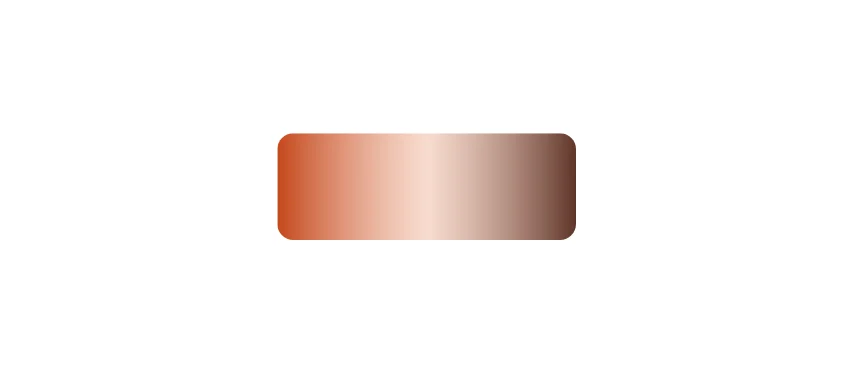
A colour of a gradient, at its offset (0 to 1).
import { Defs, Document, LinearGradient, Page, Rect, Stop, Svg, View } from '@inkoxide/render';

export default function Example() {
  return (
    <Document>
      <Page size={[320, 140]}>
        <View className="flex-1 items-center justify-center">
          <Svg width={120} height={80} viewBox="0 0 120 80">
            <Defs>
              <LinearGradient id="bands" x1={0} y1={0} x2={1} y2={0}>
                <Stop offset={0} stopColor="#c4471b" />
                <Stop offset={0.5} stopColor="#f3c5b0" stopOpacity={0.6} />
                <Stop offset={1} stopColor="#5e3428" />
              </LinearGradient>
            </Defs>
            <Rect x={4} y={20} width={112} height={40} rx={6} fill="url(#bands)" />
          </Svg>
        </View>
      </Page>
    </Document>
  );
}
| Prop | Type | Description |
|---|---|---|
offset (required) | number | string | |
stopColor (required) | string | |
stopOpacity | number | string |
Synced from components/svg.md in the inkoxide repository.