Note
A text note: an icon that opens its text in the viewer.
Import them from @inkoxide/render. Examples, and how these components work together, are in the guide.
Note
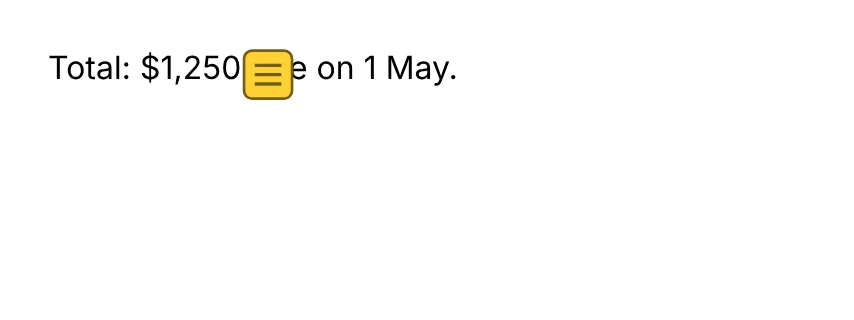
A text note: a sticky-note icon that viewers open to show its text (the children, which are strings). It takes no space; the icon sits at the top-left corner of its box. Its colour is its backgroundColor (default yellow).
import { Document, Note, Page, Text } from '@inkoxide/render';

export default function Example() {
  return (
    <Document>
      <Page size={[320, 120]} className="p-6">
        <Text>
          Total: $1,250
          <Note author="Ana">Includes the March refund.</Note> due on 1 May.
        </Text>
      </Page>
    </Document>
  );
}
| Prop | Type | Description |
|---|---|---|
author | string | Who wrote the note; viewers show it as its title. |
open | boolean | Shows the note's text when the document opens. |
children | ReactNode | The note's text: strings and numbers only. |
It also takes the shared props break, wrap, minPresenceAhead, fixed, pages, className, style, id, debug.
Synced from components/note.md in the inkoxide repository.